Dark mode and a calmer design:choose your theme
SoProb now has a dark theme and one calmer design across every tab. Switch between light and dark with one click, or let SoProb follow your system.
SoProb has a new look: one header with menus, the same filters, tables and pills in every tab, and a dark theme. The start page, sign-in and this blog use the same design. This guide shows how to choose light, dark or the setting of your system.
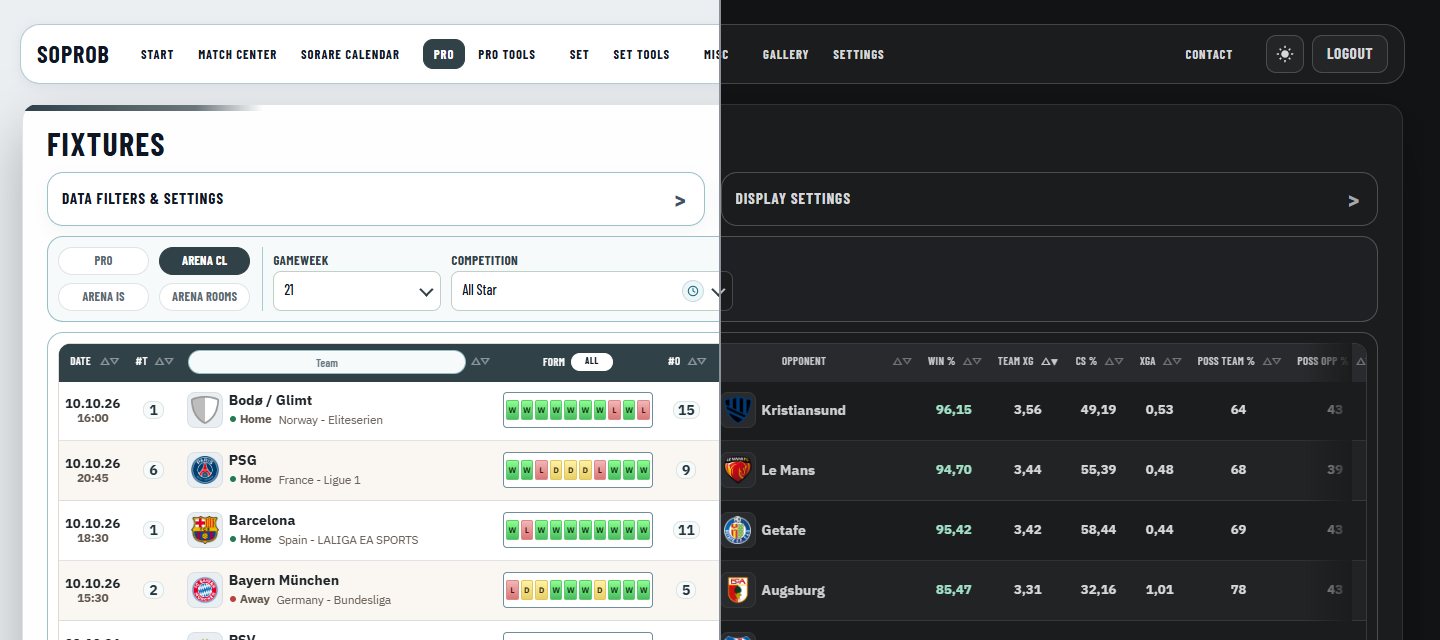
What is new in the design
- One header for the whole dashboard: open a menu to reach its tabs; the active area is highlighted.
- The same building blocks in every tab: Data Filters & Settings, Display Settings, tables, pills and buttons look and behave alike.
- Help on the columns: hover a column header to read what it shows. Help Tooltips in Settings > Preferences turn this help on or off.
- Calmer surfaces in both themes, with strong colours only where they carry meaning.
- Public pages share the design: the start page, sign-in, register and the blog.
Switch with one click
Use the button with the moon or sun next to Logout in the dashboard header. The moon switches to dark; in dark, the sun switches back to light. On the start page, sign-in and the blog, the same button sits at the top right.
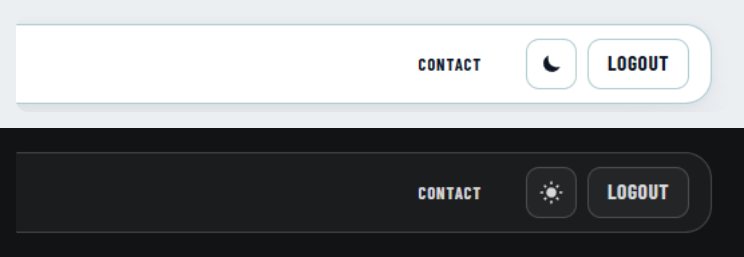
Follow your system
Open Settings > Preferences and choose a Theme in the Appearance group: System, Light or Dark. System follows the light or dark setting of your device or browser and changes with it, for example when your device switches to dark in the evening.
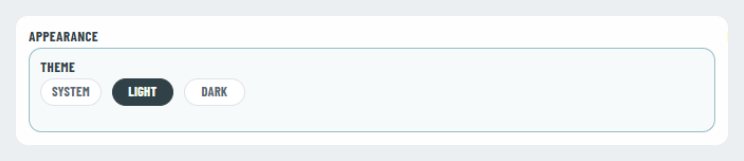
Where your choice is saved
- The theme is saved in this browser on this device. Another browser or device keeps its own choice, so you can use dark on your laptop and light on your phone.
- Until you choose, SoProb starts in light, even if your device is set to dark. Choose System once to follow your device.
- Other open SoProb tabs follow a change straight away, and the choice also applies to the start page, sign-in and the blog.
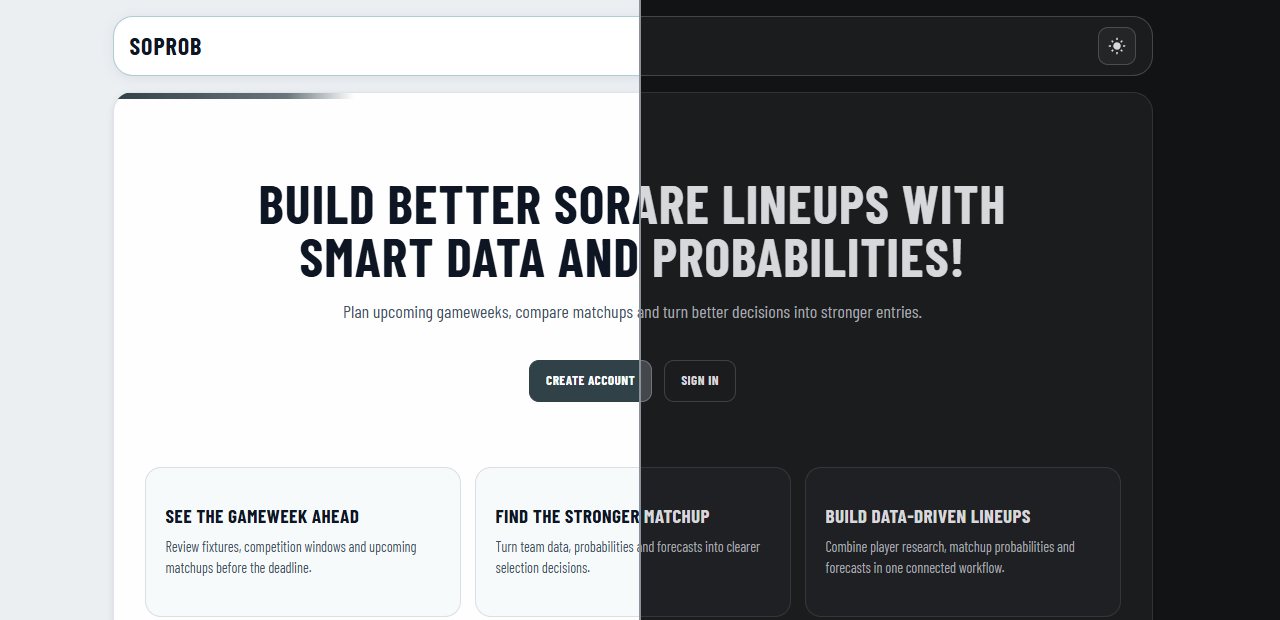
What looks the same in both themes
Colours that carry meaning stay as they are: score and Start % tiers, form results, coloured bonus tiers, Match Center events, card pictures in the Lineup and Set Builder and the green Match Center pitch. Neutral values, filters and tables follow the theme.