Guided Tours for Every Pro, Set and NBA Tab
Every tab now comes with a short guided tour: what each part shows, what you can set, where it ties to Sorare's rules, and every abbreviation of the tab at the end.
Every tab in the Pro, Set and NBA areas now has a short guided tour. It frames one part of the tab at a time and says in a sentence or two what that part shows and what it helps you with. It opens the settings panels it explains, links the tab to the Sorare rule behind it, and ends with every abbreviation the tab uses.
Open the Lineup Builder with its tour
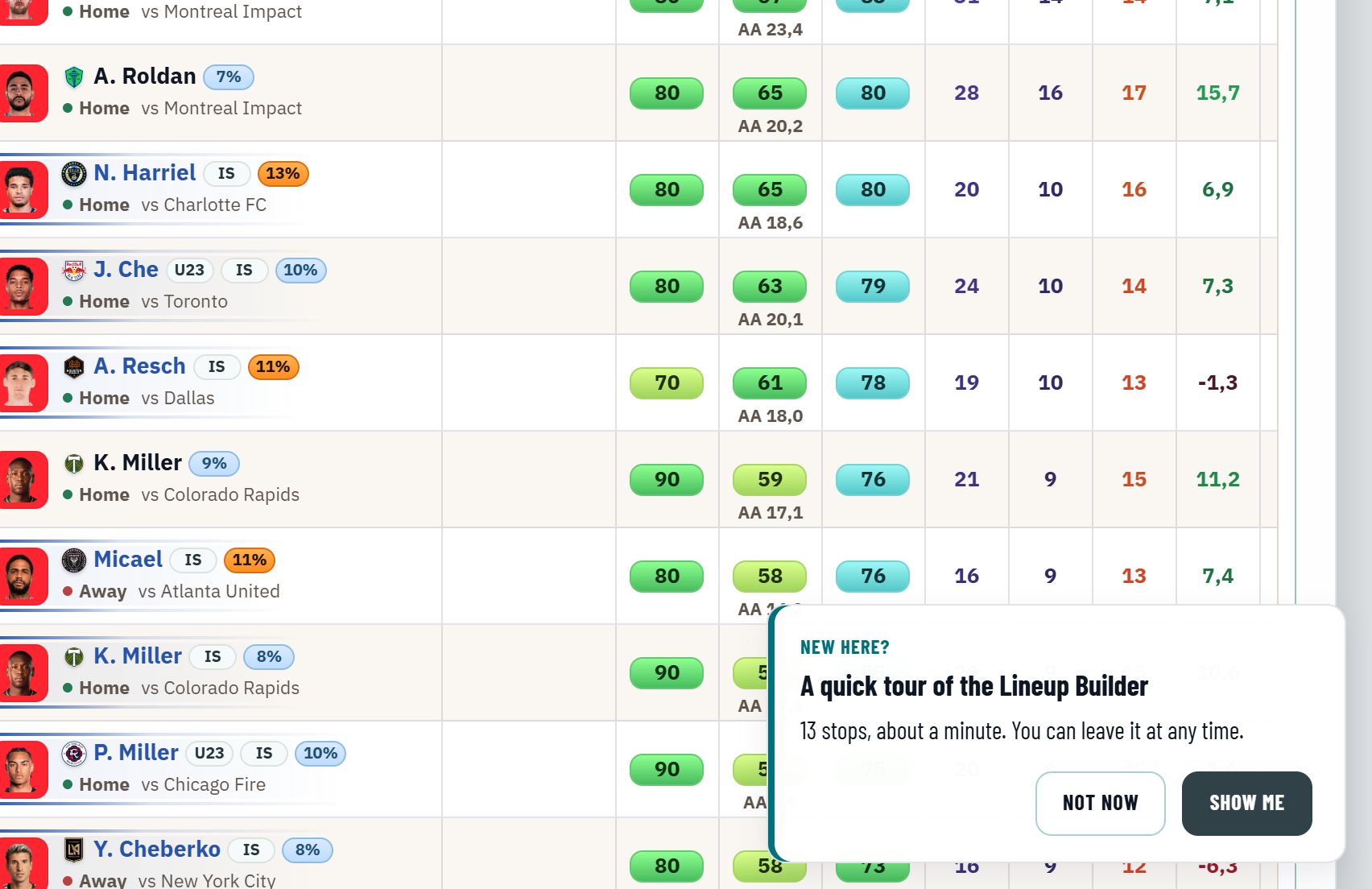
How to start a tour
- The first time you open a tab, a small card offers its tour. Show me starts it, Not now closes the card.
- The round play button beside the tab's title starts the tour at any time.
Each tab offers its tour once per account: after you finish it, end it or choose Not now, the offer does not come back on any of your devices. The play button stays.

Moving through a tour
| Step | Mouse | Keyboard |
|---|---|---|
| Next stop | Next | Right arrow |
| Previous stop | Back | Left arrow |
| End the tour | × in the corner, or Done on the last stop | Esc |
What a stop shows
- A frame around the part it explains: a settings panel, a table column, a team card or a button.
- A short text on what that part shows and, for the main features, a line on what you gain from it.
- On Sorare: where a part ties to a rule of Sorare's game, such as the steps of a Hot Streak, the Cap 260 bonus or the Set deadline, a line below the text names that rule.
The stops for Data Filters & Settings and Display Settings open their panel, so you see the options while the tour explains them, and close it again when you move on. A stop for something your board does not offer, such as an export Sorare does not allow for it, is left out.
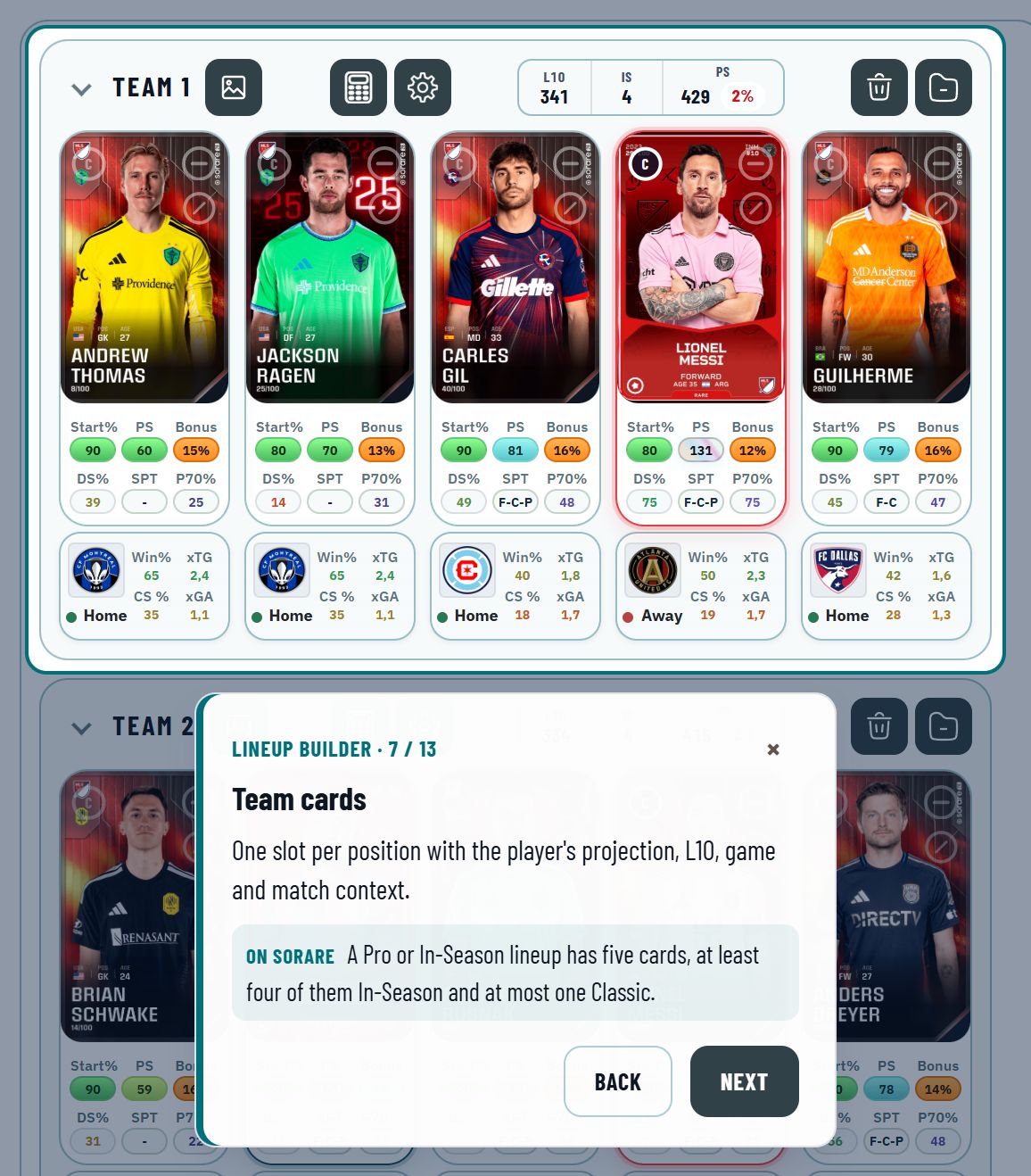
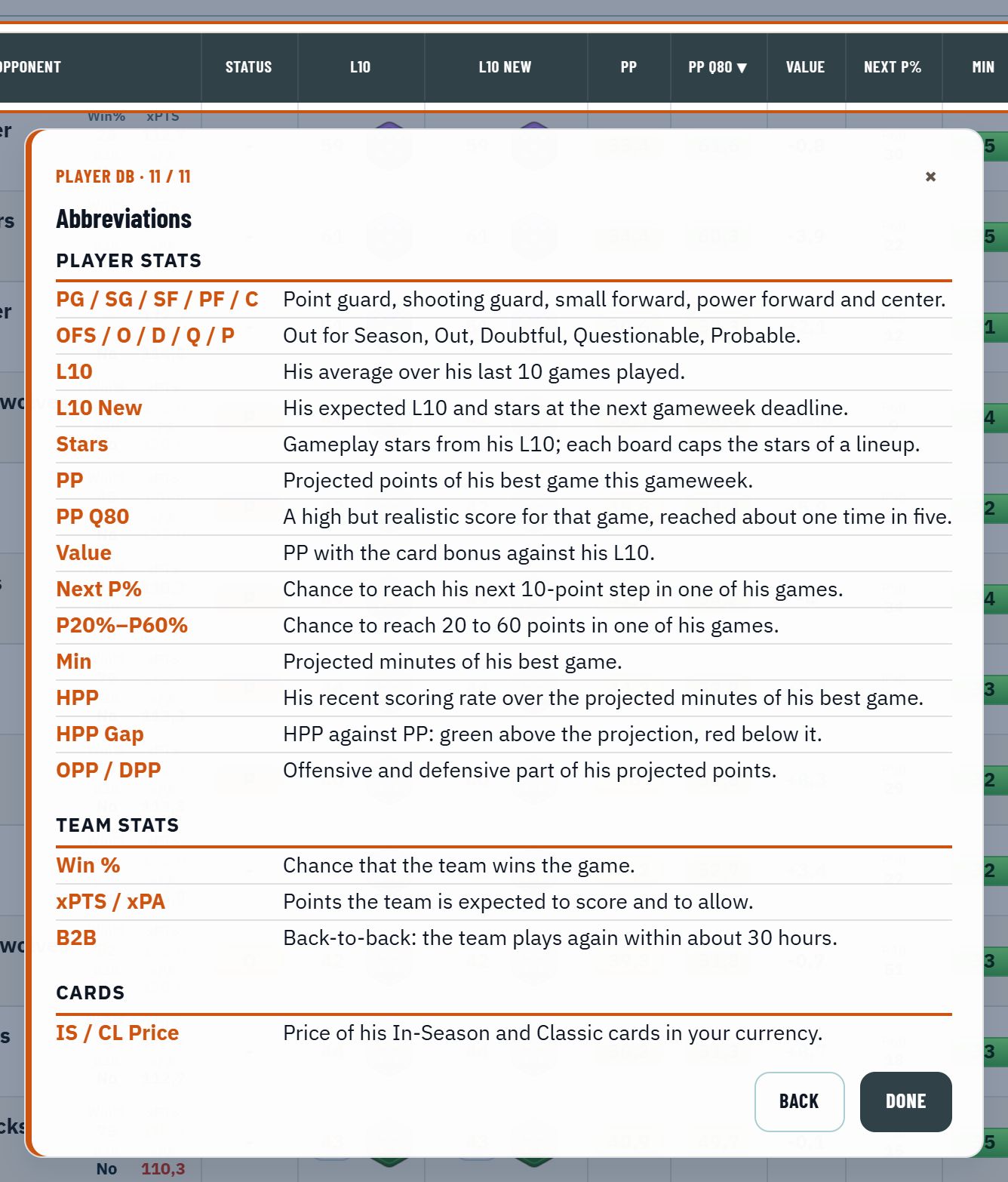
Every abbreviation at the end
The last stop lists every abbreviation the tab shows, one line each, grouped into player stats, team stats, competition and cards. A term reads the same on every tab: PS in the Player DB is PS in the Vault.
Every tab, three areas
| Area | Tabs with a tour |
|---|---|
| Pro | Daily Missions, GW Info, Lineup Builder, Player DB, My Players, Fixtures, Team Forecast, Team Stats, Injuries & Suspensions, Vault |
| Set | Set Daily Mission, Set Builder, Set Fixtures, Set Players |
| NBA | Lineup Builder, Player DB, Daily Missions, Injuries, Fixtures, Depth Chart, Minutes |
You see the tours of the areas your plan includes.
Turning the tours off
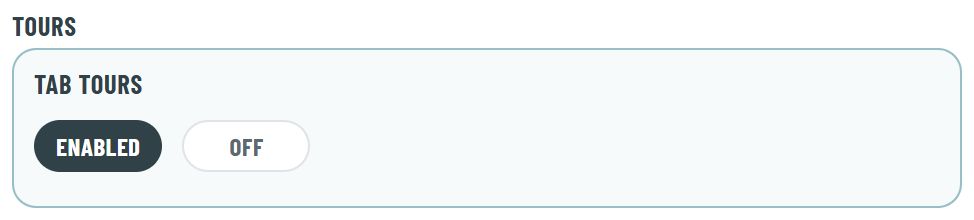
Under Settings, Preferences, General, the Tab Tours switch in the Tours group turns the tours off: no tab offers its tour and the play buttons are hidden. Enabled brings both back. The choice is saved with your account.