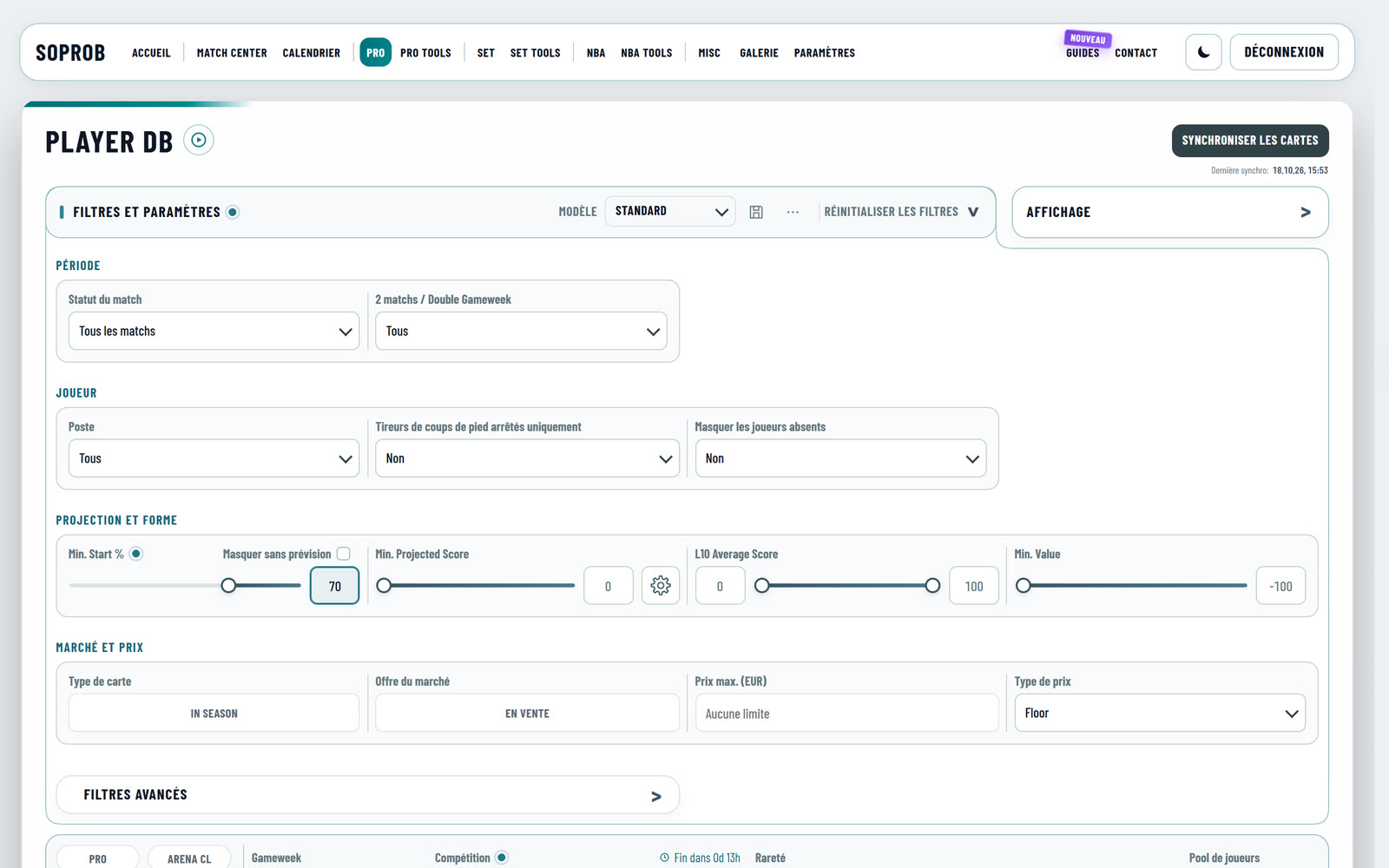
SoProb Now Speaks Your Language:Deutsch, Français, Español, Italiano and Português
The dashboard, the guides and tours, the tooltips, the mails and the push notifications now come in six languages. Pick yours under Settings > Preferences > Language: it is saved with your account and used on every device.
SoProb now speaks six languages. Every tab with its filters, tables and buttons, the tooltips, the tab guides and tours, the Pro, Set and NBA guides, the extension page, the confirmation and password mails and the push notifications come in the language you choose.
The languages
| Language | In the menu |
|---|---|
| English | English |
| German | Deutsch |
| French | Français |
| Spanish | Español |
| Italian | Italiano |
| Portuguese (Brazil) | Português |
How to choose your language
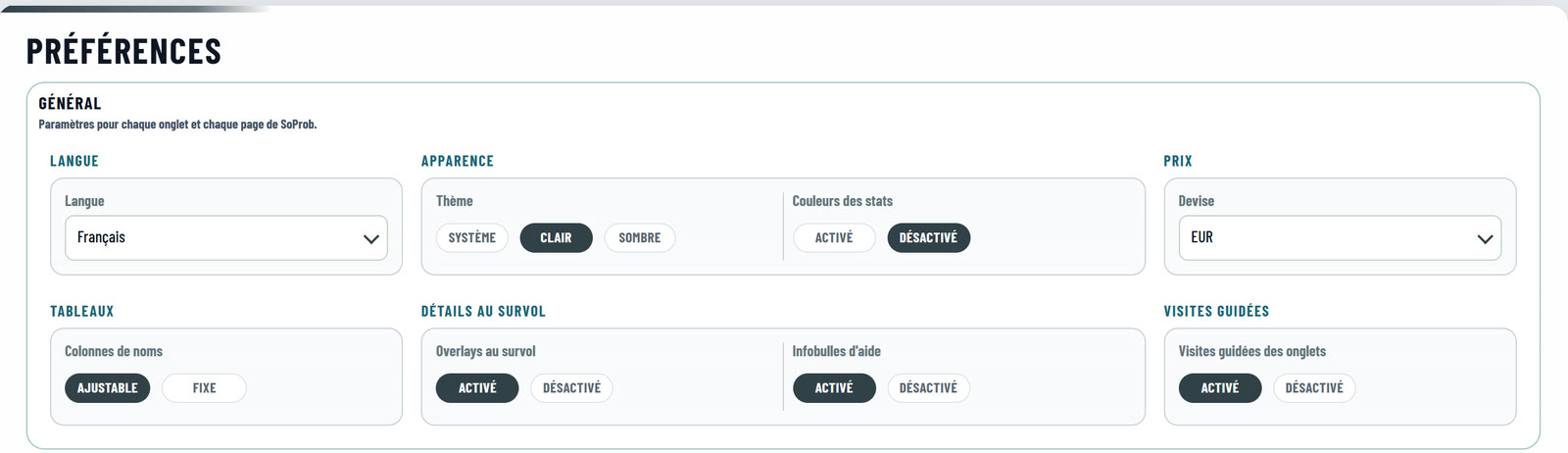
- Signed in, open Settings > Preferences and pick your language under Language.
- The choice is saved with your account: every device you sign in on switches to it, and your mails and push notifications use it too.
- Changed the language on another device? The first time, the page shows the old language for a moment and then switches.
- Not signed in, the start page has a language switch next to the theme switch. Without any choice the site follows your browser's language, and English when it is none of the six.
What stays English
- Sorare's own terms read like on Sorare: Gameweek, lineup, captain, the rarities, In-Season and Classic, the competitions such as Arena IS and Arena CL, Essence and Gems.
- The tab names such as Player DB, Lineup Builder, Daily Missions or Match Center, and the stat names and abbreviations such as PS, PP, L10, DS % and Win %. The Calendar and the Gallery area are named in your language.
- The browser extension's popup, and the blog articles from before this one.
Something reads wrong?
A translation that sounds odd or a text still in English: send it to me with Contact in the menu, best with the tab and a screenshot, and I fix it in the next update.
Start here:
- Open Settings > Preferences and pick your language.
- Open a tab you use every day and start its tour with the play button next to the tab's title.